This post shows how to quickly set up Ollama with ngrok and use it in LangChain.
OLLAMA
You can easily download for Linux, macOS, and Windows: https://ollama.com/download.
Test if it’s working:
$ curl http://localhost:11434; echo # has to give "Ollama is running"

Note: If returns nothing, just execute $ ollama serve.
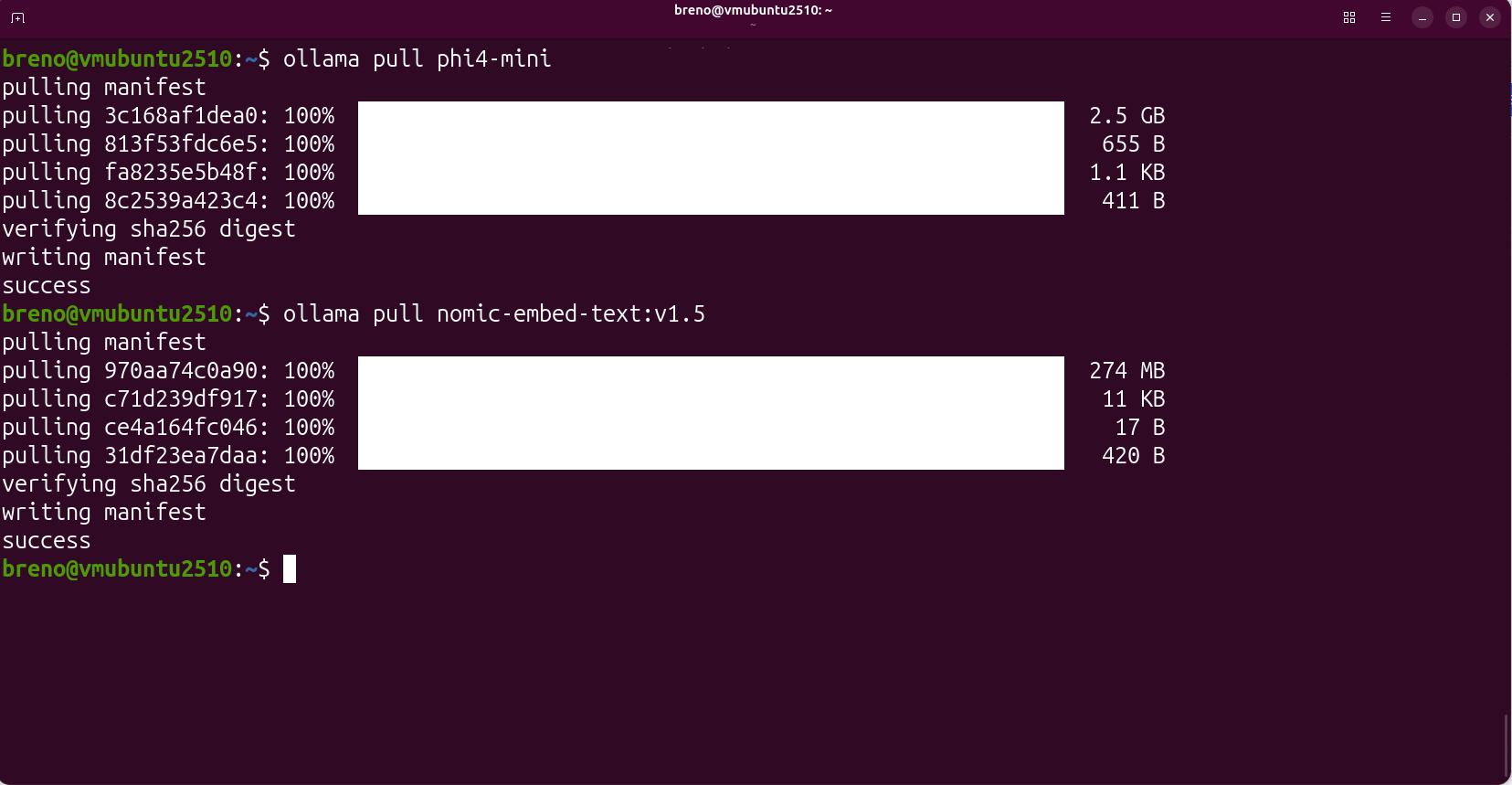
Pull your preferred models:
$ ollama pull phi4-mini
$ ollama pull nomic-embed-text:v1.5
NGROK
You can find it on the official website for Linux, macOS, and Windows: https://ngrok.com/download
Note: Remember to add your authtoken!
$ ngrok config add-authtoken <your-ngrok-auth-token>
Now, you can expose Ollama with ngrok and add basic authentication (change the username and password as you desire)
$ ngrok http 11434 --host-header="localhost:11434" --basic-auth="username:password"
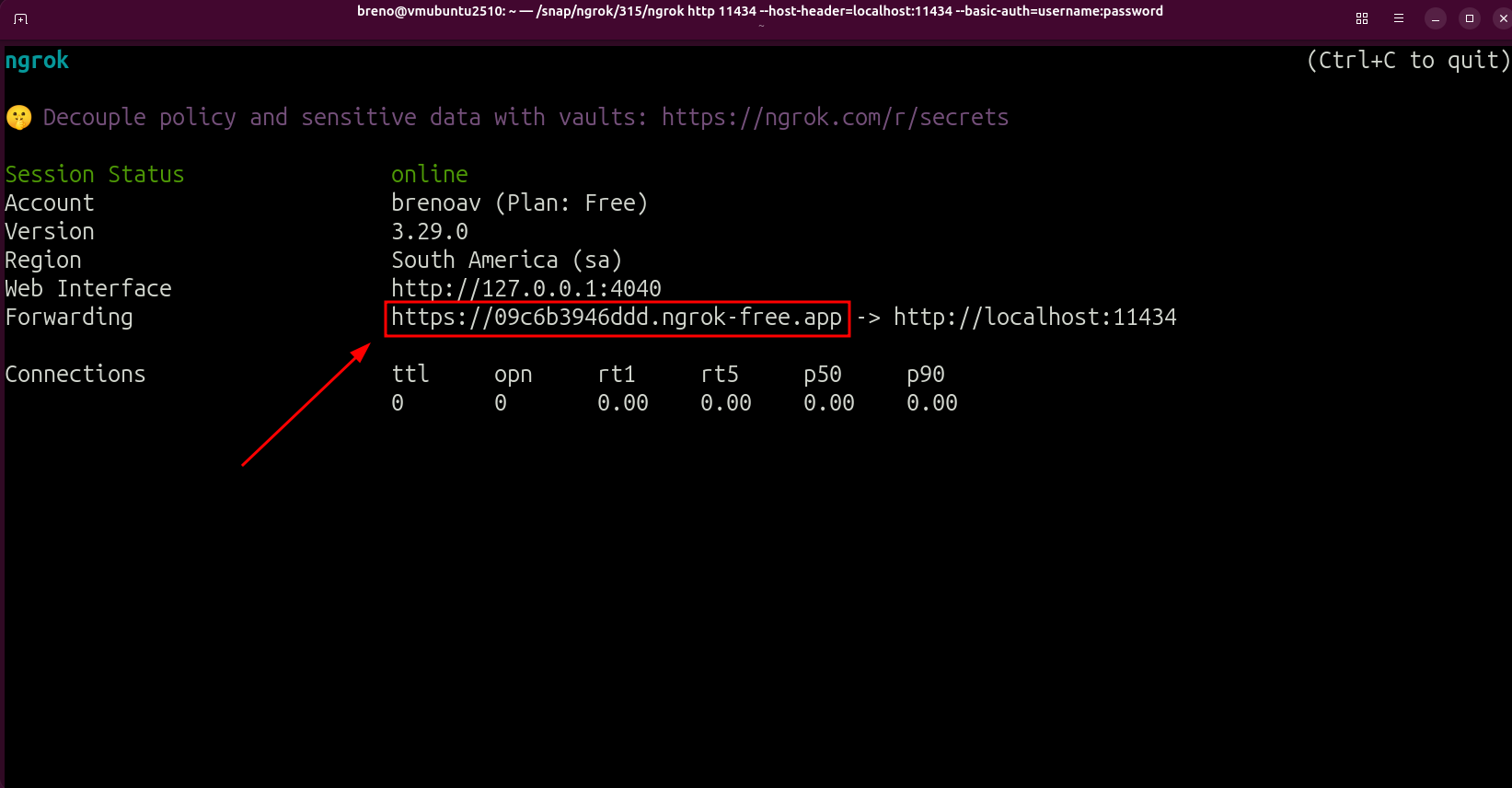
This will generate your public URL as in the picture: https://09c6b3946ddd.ngrok-free.app
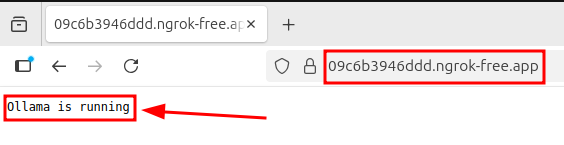
You can test it easily by opening a web browser and pasting the public URL:
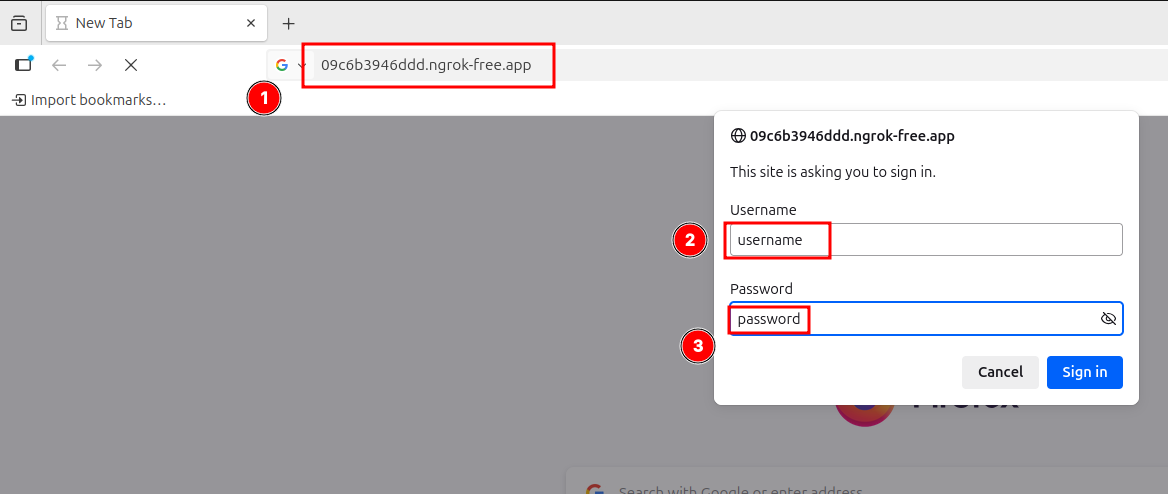
When you authenticate successfully, it will show “Ollama is running”:
You can check the models by accessing the endpoint /api/tags:
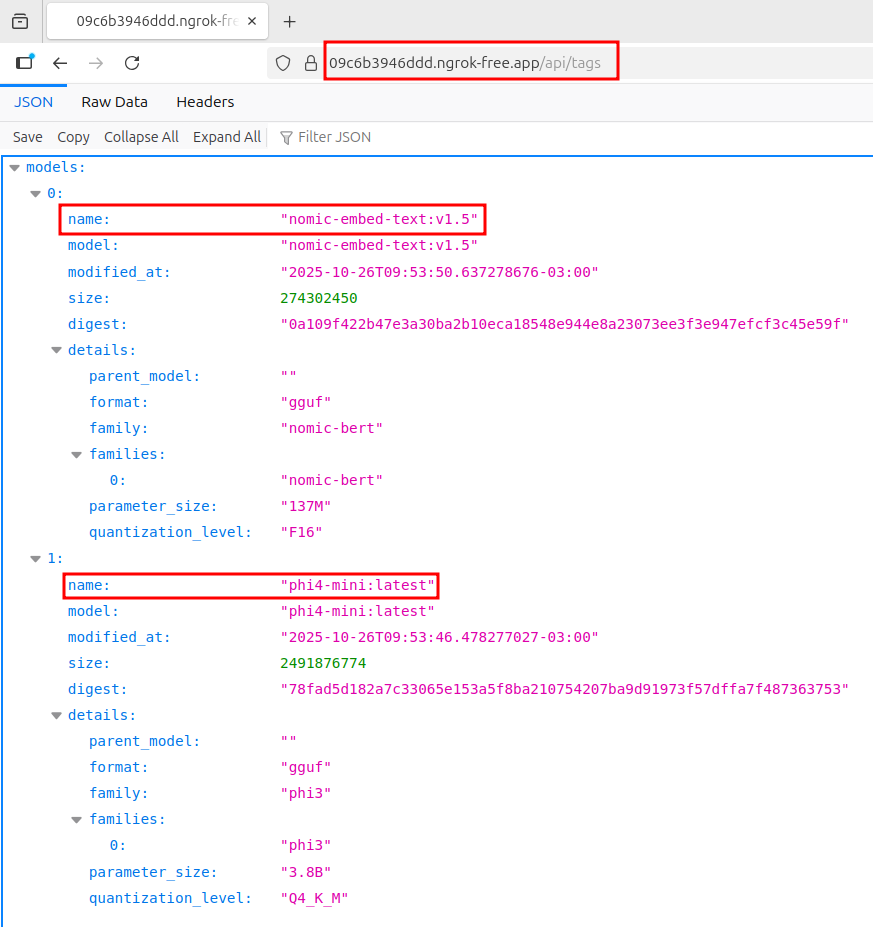
✨ The two models pulled before are ready-to-use.
LangChain & Ollama
First, you need to install langchain and langchain-ollama:
$ pip install langchain langchain-core langchain-ollama
Now, you can use in another network your Ollama LLM/Embeddings.
import base64
from langchain_ollama.llms import OllamaLLM
from langchain_ollama.embeddings import OllamaEmbeddings

BASE_URL = "https://09c6b3946ddd.ngrok-free.app"
user_pass = b"username:password"
auth_header = base64.b64encode(user_pass).decode("utf-8")
client_kwargs = {
    "headers": {
        "Authorization": f"Basic {auth_header}"
    }
}


llm = OllamaLLM(
    model="phi4-mini:latest",
    base_url=BASE_URL,
    client_kwargs=client_kwargs

)

embeddings = OllamaEmbeddings(
    model="nomic-embed-text:v1.5",
    base_url=BASE_URL,
    client_kwargs=client_kwargs
)

# testing the llm
print(llm.invoke("Hello, Ollama LLM =)"))

# testing the embeddings
print(embeddings.embed_query("Hello, Ollama Embeddings =)"))
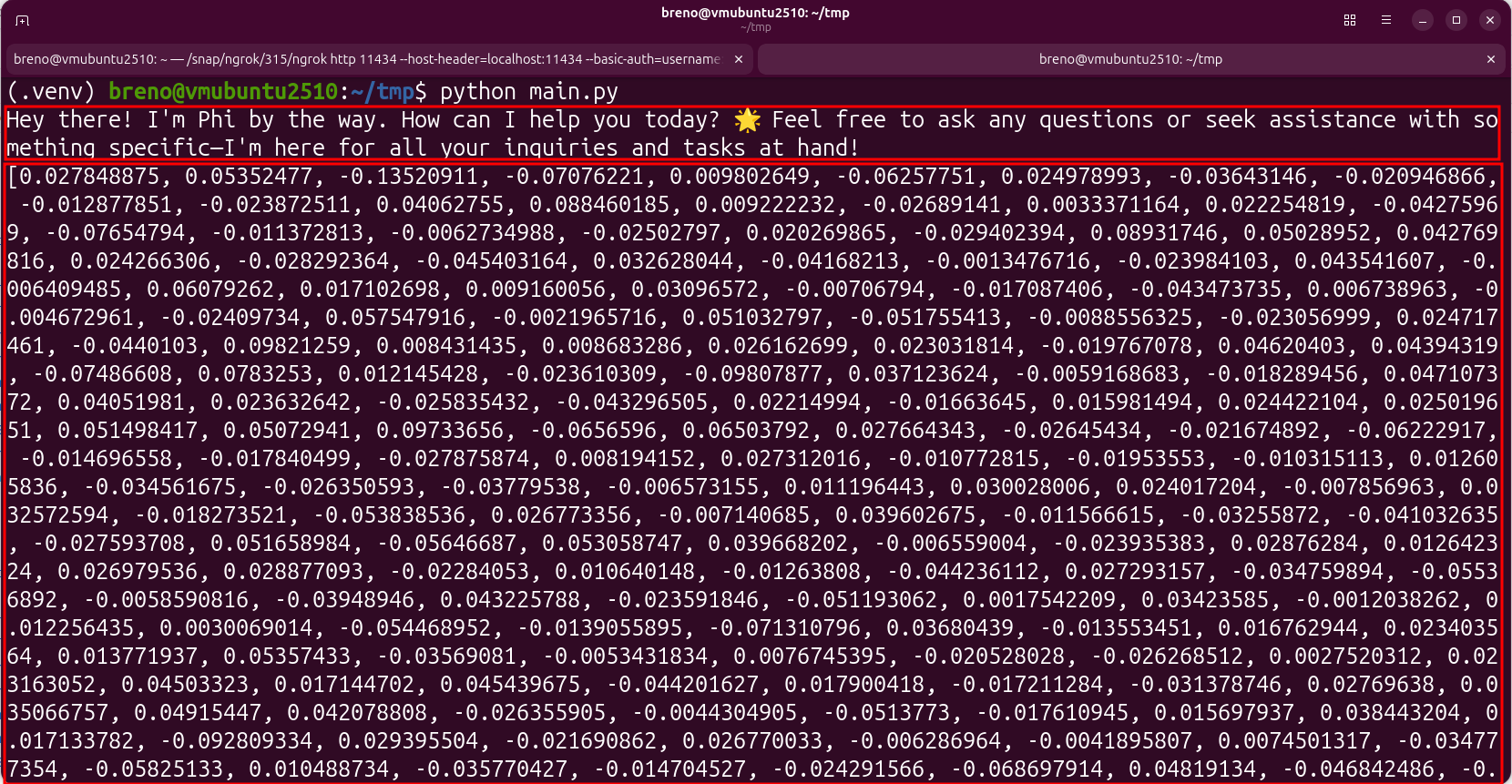
For my case, give it the following result: